How to use a vegan leather bag as a laptop sleeve on a train
A laptop bag does not have to occupy your lap for the whole journey. With a little preparation, a vegan leather backpack, tote or crossbody bag can work as a protective laptop sleeve while keeping your computer close to your body. The important checks are fit, cushioning, closure and heat management.
This suits Australian rail travel, where commuter trains can be crowded, platforms are exposed to the weather and a suitcase is often more trouble than it is worth. You gain one organised place for your laptop, charger and personal items, while your hands remain free for an Opal card, a Myki ticket or a station coffee. The bag becomes both a sleeve and a secure carryall rather than another piece of luggage.
Prepare the bag for its new role
Start with the bag’s construction. A flat base and smooth lining are useful, while deep gathers, loose stitching and textured linings can catch a laptop corner. Look for a wide zip or drawstring opening. If the bag has no built-in padding, add a separate padded laptop pouch or a folded layer of soft fabric between the device and the vegan leather.
Measure the laptop, including its thickness, then measure the usable interior of the bag. Aim for a close fit with a little space for a charger, without squeezing the closed computer. Straps and buckles should not press against the lid, and a rigid base should not bend when you sit down. Check the dimensions before ordering if a different model is still under consideration.
Empty the bag before packing it as a sleeve. Remove pens, keys and hard objects that could work their way into the laptop compartment. Coil the charger cable and place it in a small zipped pouch beside the computer, never on top of it. Use a discreet luggage tag with an email address and Australian mobile number so the bag can be returned if it goes missing.
Protect the laptop from pressure and heat
Keep the laptop closed and place it flat against the padded back of the bag, with the screen facing the lining and the base resting against the base. This distributes pressure across the device rather than concentrating it on one edge. If the bag has an internal divider, use it. Leave enough room for airflow, and do not force the zip if the bag is tightly packed.
Heat matters on Australian services, particularly when a train runs alongside a platform in summer sun. Keep the bag off a sunlit window seat and away from radiators or air-conditioning vents. If the laptop is warm when you reach your destination, let it cool before opening it. A cool, dry bag protects both the electronics and a polyurethane finish from moisture and condensation.
Carry a charged power bank as a backup because sockets and onboard connectivity vary by route. Secure the cable with a reusable tie, and route it away from the laptop’s hinges and ports. Keep the computer with you rather than in an overhead rack or a bag stored in a carriage. A small battery can be checked for swelling and damage before every trip; a swollen cell should not travel.
Navigate Australian stations and train services
Sydney’s suburban network is a useful test of space-saving luggage. Tap on and off with an Opal card, then keep your bag low and close rather than leaving it beside a seat or on the floor at Central or Town Hall. For an overnight Melbourne–Sydney journey on the XPT, confirm the current luggage allowance and secure the bag in the rack. For broader route ideas, travel planning resources can complement the operator’s timetable.
Melbourne’s rail network runs busy peak services and extensive suburban routes, so an anti-theft crossbody design or a zipped backpack can be valuable. Myki handles fares, while free Wi-Fi is available on many Metro and regional services. Some carriages have power outlets, although connections can be unreliable. Keep the laptop in the bag instead of placing it on a seat beside you to charge a phone.
Brisbane’s Airtrain provides a straightforward airport connection, and regular suburban trains carry commuters with work bags, school bags and gym gear. Leave space near the doors for passengers and wheelchairs, and avoid blocking aisles with a tote. On any Queensland service, check the operator’s rules for oversized items. The same compact arrangement works well for regional travel when seats and luggage racks are shared.
Keep the bag and laptop secure
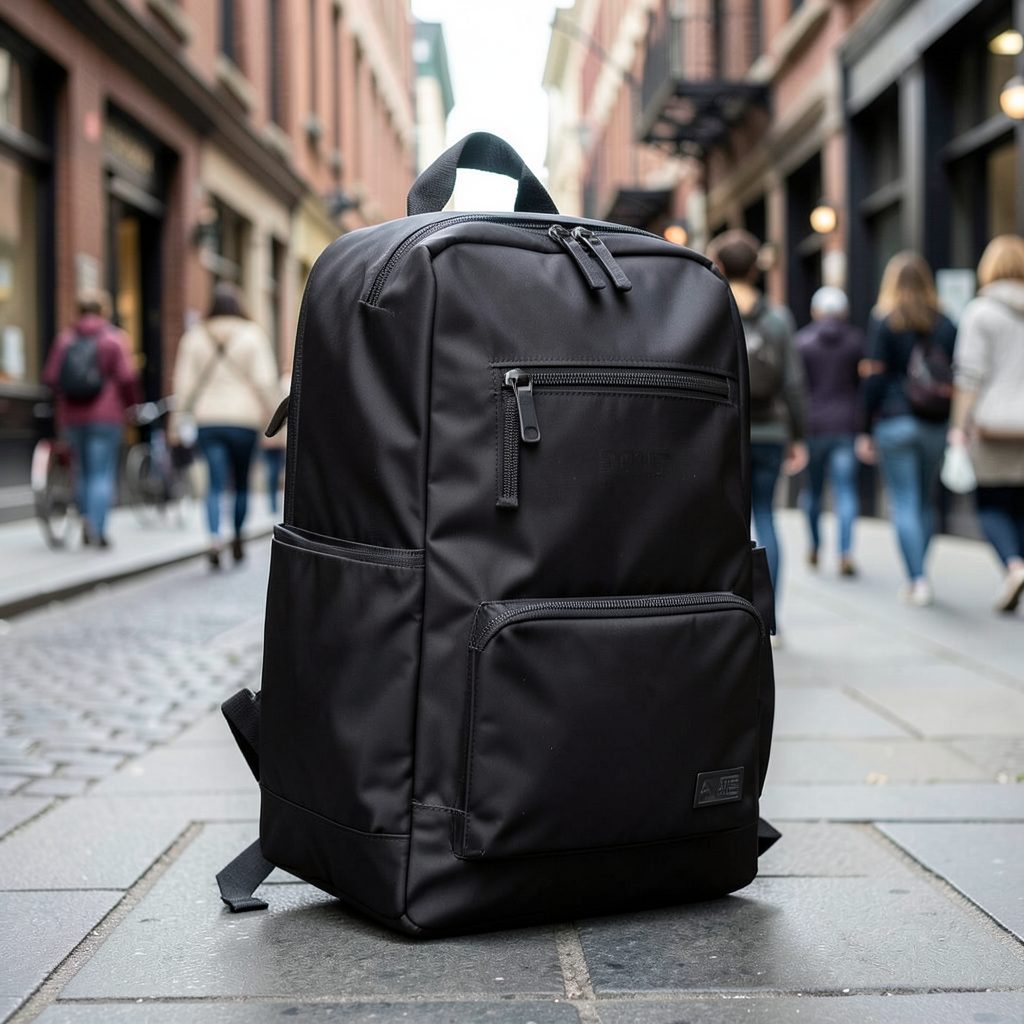
Treat the bag as a sleeve only while it stays closed and within reach. On a crowded carriage, keep a tote between your feet, a crossbody bag in front of your body, and a backpack zipped against your back or on your lap. A quick guide to anti-theft backpack features can help you assess zippers, straps and hidden pockets before choosing a model for regular commuting.
Keep your phone, wallet and travel documents in separate compartments so a quick opening does not expose everything. Do not leave valuables in an external pocket that faces away from you. Use the luggage compartment for small objects rather than for the laptop itself. The device should remain physically attached to you, even if the outer bag is opened on the floor at your feet.
Avoid displaying an expensive laptop logo on a station platform or in a café. Record the device’s serial number and keep a photograph of its identifying details at home, which can help an insurer or police report if it is stolen. If you must step away, take the laptop with you or leave the entire bag with a trusted companion rather than separating the two.
Care for vegan leather and check the claims
Vegan leather describes the absence of animal hide, not a single material or a guaranteed environmental benefit. Many products use polyurethane or PVC, and the backing, coating, adhesives and lining all affect durability. Mainstream Australian retailers now offer many animal-free alternatives, so compare the stated composition and care requirements. Under ACCC guidance applying since June 2023, environmental claims need a reasonable evidence base rather than vague wording.
Clean with a soft, barely damp cloth and mild soap, then let the bag dry naturally. Avoid alcohol, solvents, leather conditioners and direct heat. Some finishes show a pale mark when rubbed, so test an inconspicuous area first. For a suede-like finish, brush gently with a dry soft brush. Store the bag upright with light padding, not compressed under heavy objects.
Australian Consumer Law requires products sold here to be free from defects and to match their described purpose, quality and durability. A material can be animal-free and still peel early, have a weak zipper or fail to protect a laptop. Check the stitching, edge paint and hardware before travel, and retain the receipt and product details. A clear warranty or repair policy gives you options if a genuine fault appears.
Match the bag to your laptop and route
Match the bag’s proportions to the laptop and the length of your journey. A slim 13-inch computer needs less space than a 16-inch one, but the depth of the bag also matters. A laptop sleeve should hold the device without allowing it to slide toward the opening. For longer trips, select a roomier backpack with a padded divider and a stable base, rather than forcing a larger computer into a narrow tote.
| Bag style | Laptop fit | On-train advantage | Main limitation |
|---|---|---|---|
| Zippered backpack | Commonly 13–14 inches, depending on the model | The laptop stays inside a structured compartment | A loose bag can slide on your lap |
| Envelope tote | A slim 13-inch model, if the base is wide | Light and easy to keep between your feet | Open tops need a secure closure |
| Crossbody bag | Usually a small laptop or tablet | Keeps both hands free and sits close to your body | Narrow bags offer little device protection |
| Structured shoulder bag | Small devices only when the lining is smooth | Looks polished and works for short trips | Rigid panels can press against the laptop |
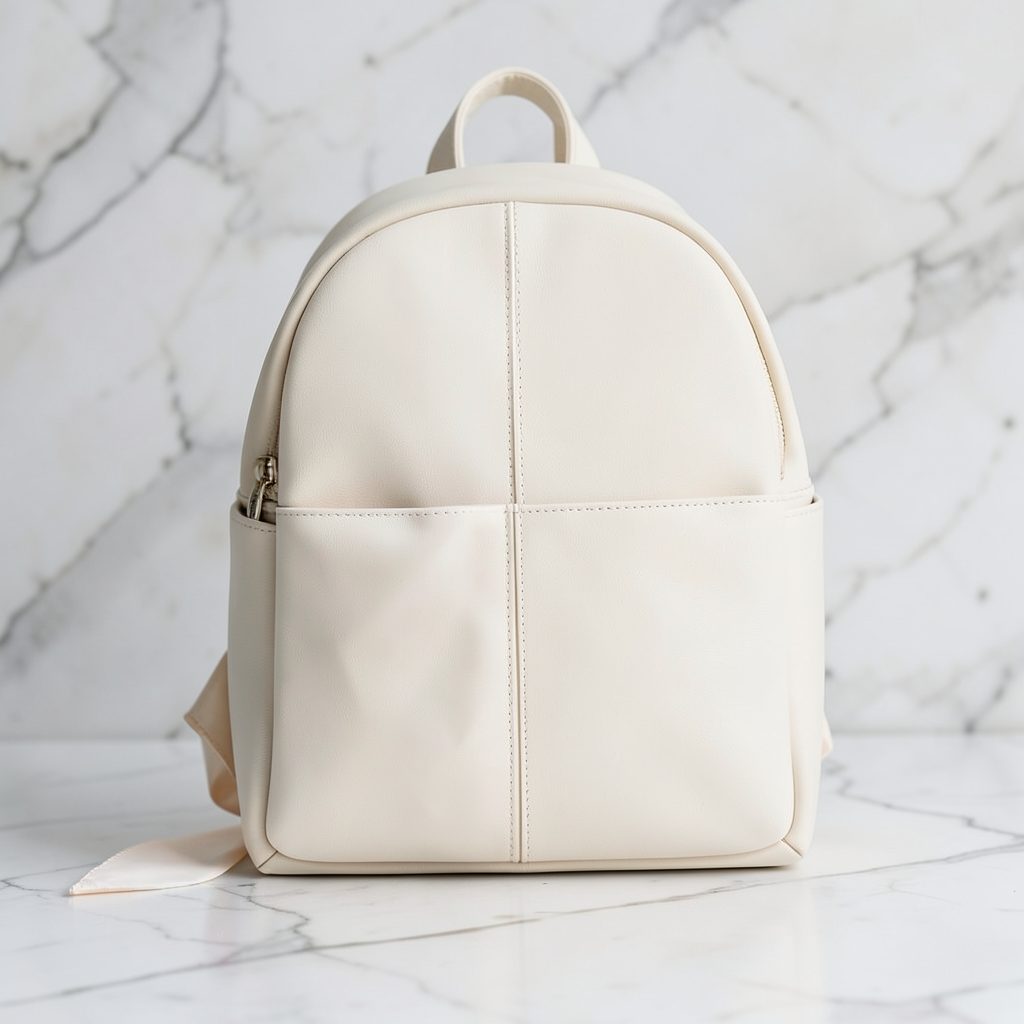
Browse vegan leather backpacks to compare roomier designs, then confirm the dimensions, laptop compartment and weight of the model you choose. A backpack can carry the laptop in its own zippered compartment and still hold a water bottle, jumper and folded shopping bag. Check that the straps can wear the bag securely on your lap with the lid closed throughout the trip.
Carry-on size is not the only consideration on a train. Test the packed bag on the floor, then sit with it as you would at a desk. The laptop should not tip, slide or press against a buckle. For a crossbody bag, confirm that the flap closes over the device. For a tote, fold loose handles behind the bag and use a closure that prevents the laptop slipping out when the train accelerates or brakes.
Make the journey part of the memory
A laptop sleeve setup should also cope with a station coffee or a quick snack. Keep drinks in a sealed, lidded cup and place them in a separate outer pocket, away from the laptop and charger. Eat before boarding when possible, and never balance an open drink over the bag. Vegan leather can stain readily, so a small wipe cloth is more useful than an aggressive cleaning product.
A useful bag can become a personal reminder of the journey, and the thinking behind souvenir bag ideas fits that idea well. Choose something that suits your own trips rather than buying a location-themed item you will never use. Your bag can carry the memory of a route, a new city or a quiet stretch of country between stations.
Choose your Travel Starter Pack bag, add a soft inner layer for your laptop, and make the setup part of your next Australian train journey. The store offers animal-free materials, durable designs, free worldwide shipping and order tracking, so your new travel companion can be on its way with confidence.
Our Backpack Styles
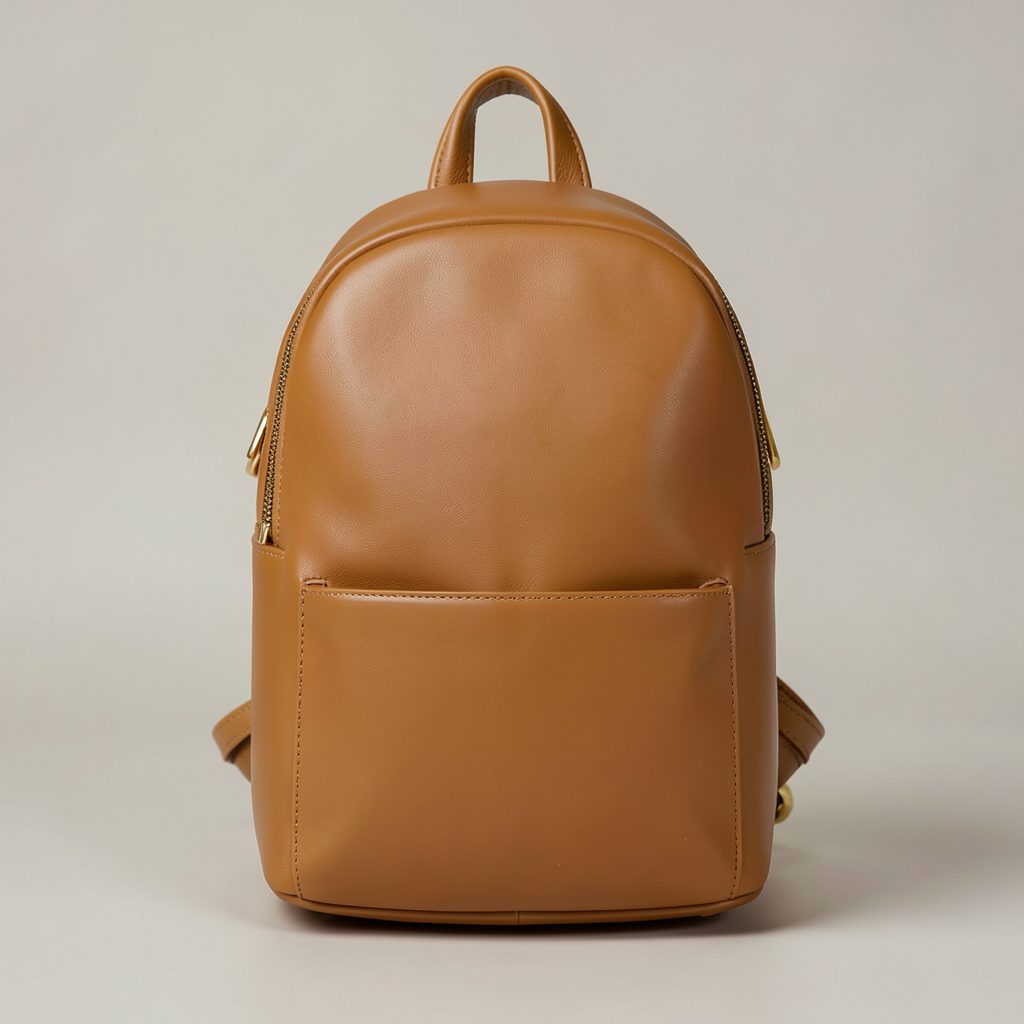
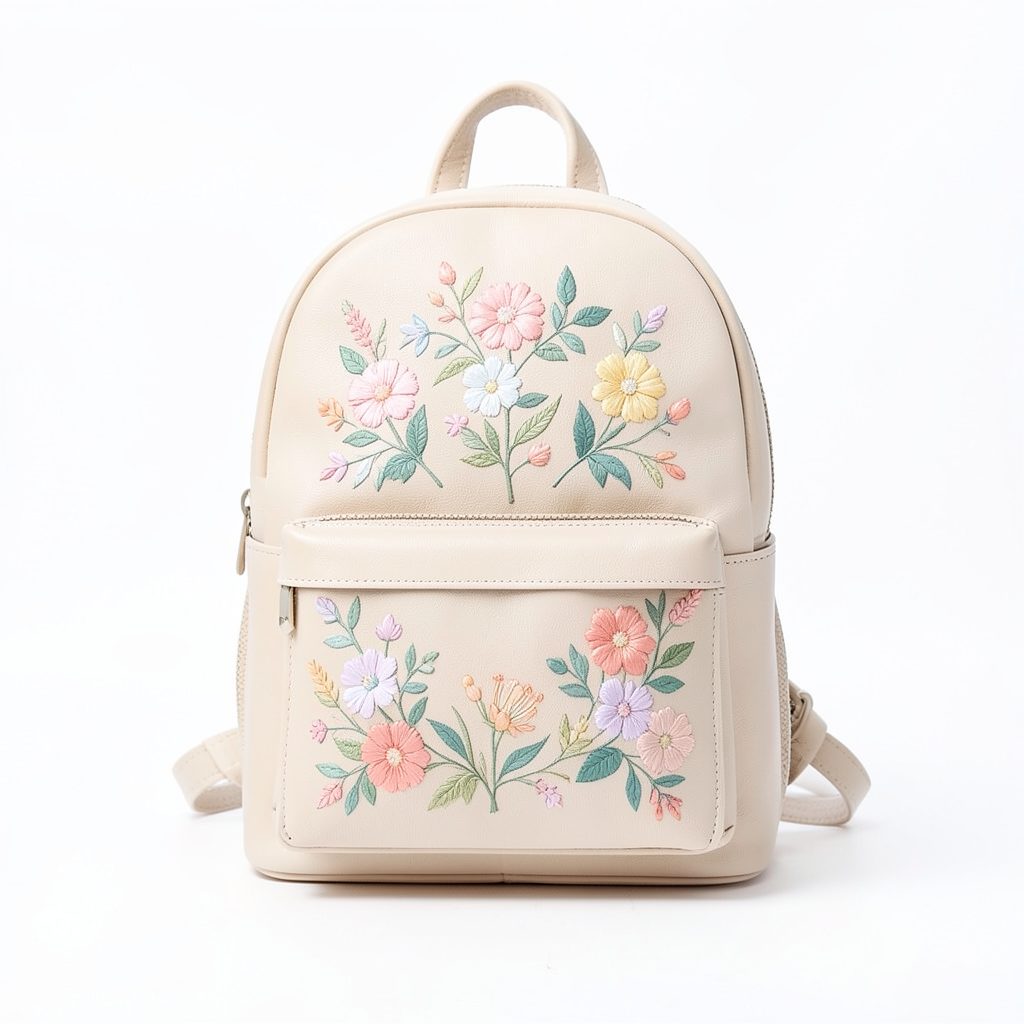
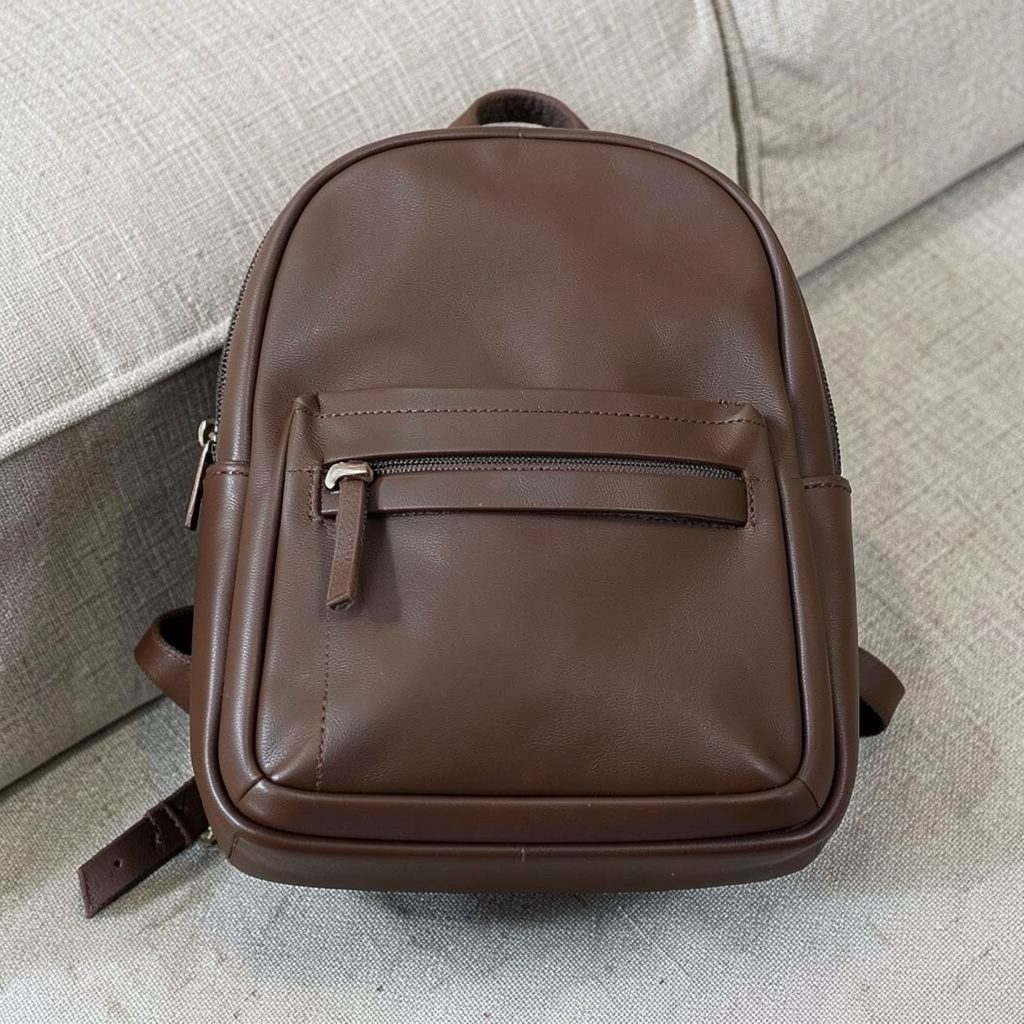
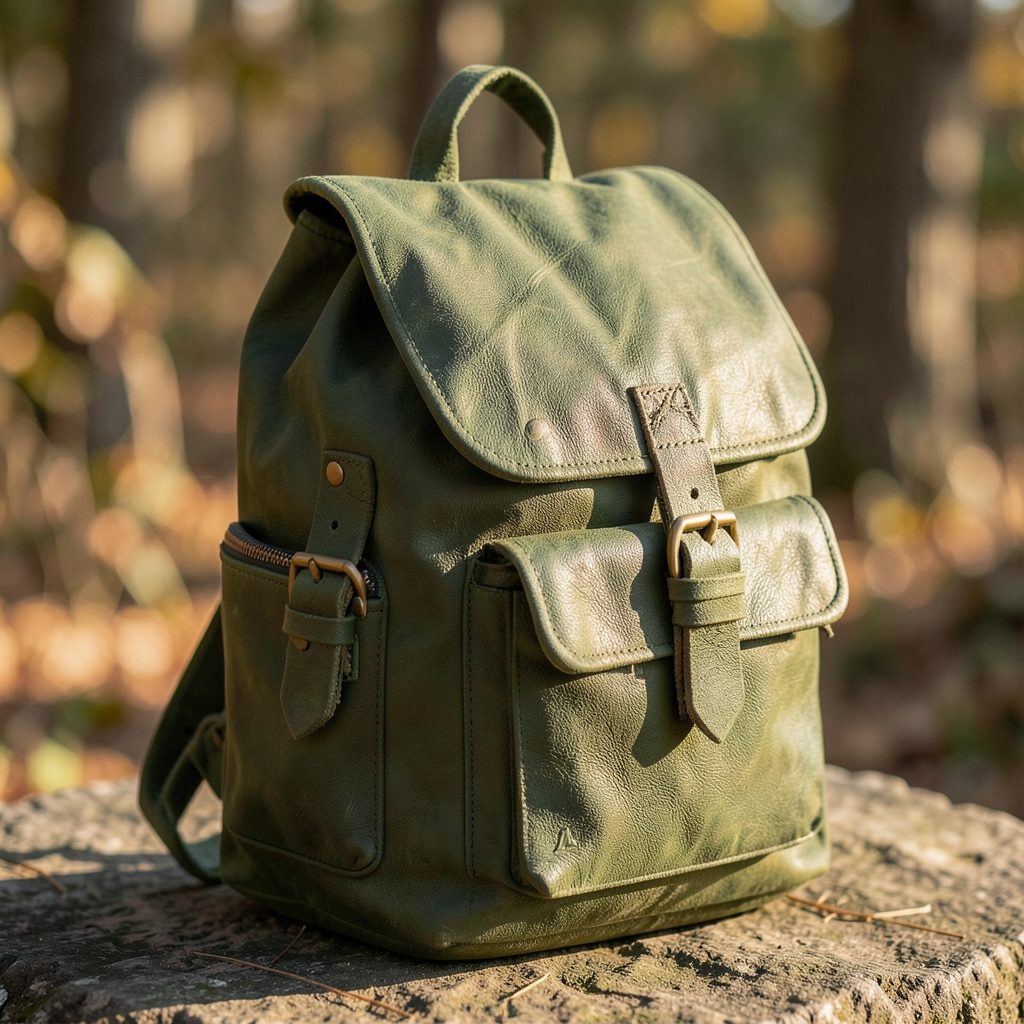
Every backpack is crafted from premium vegan leather with thoughtful details — multiple pockets, removable straps, and colors that work with any wardrobe. Browse the lineup below.